CLI, CloudFormation
Day-6_AWS_Assignment
What is AWS CLI? Give the procedure to install CLI on Windows and Linux Machines.
A command-line interface (CLI) is a text-based user interface (UI) used to run programs, manage computer files and interact with the computer. Command-line interfaces are also called command-line user interfaces, console user interfaces and character user interfaces.
Installing AWS CLI on Windows:
Download the AWS CLI Installer for Windows from the AWS CLI official website.
Run the installer and follow the on-screen instructions.
Choose the default installation options or customize them as needed.
Once the installation is complete, open a Command Prompt or PowerShell window and type aws configure to set up your AWS credentials.
Installing AWS CLI on Linux
Introduction.
Step 1: Check Python Installation.
Step 2: Install AWS CLI.
Method 1: Install AWS CLI using pip.
Method 2: Install AWS CLI using the package manager.
Step 3: Configure AWS CLI.
Step 4: Using AWS CLI
Conclusion.
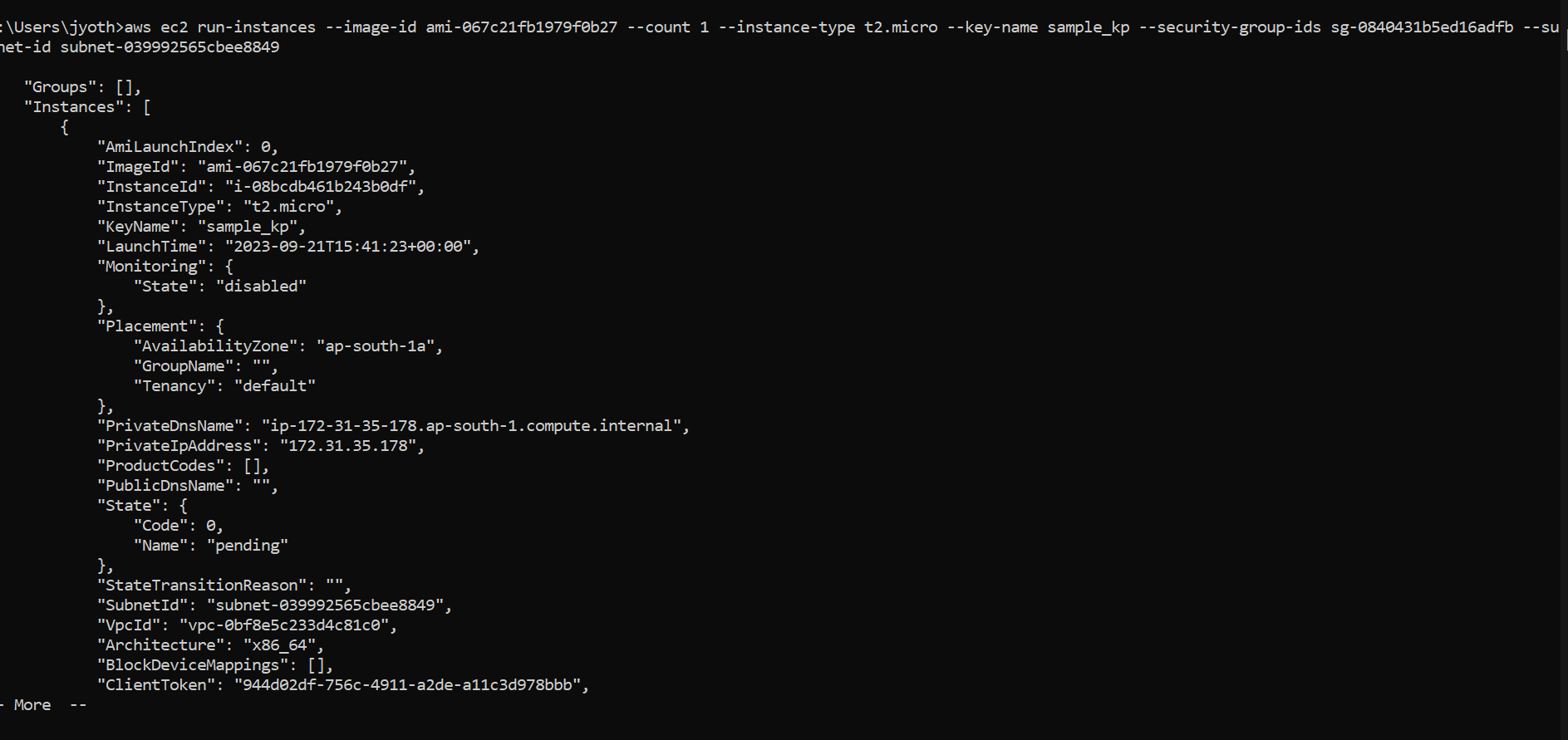
Create an EC2 instance using CLI for the below specifications.
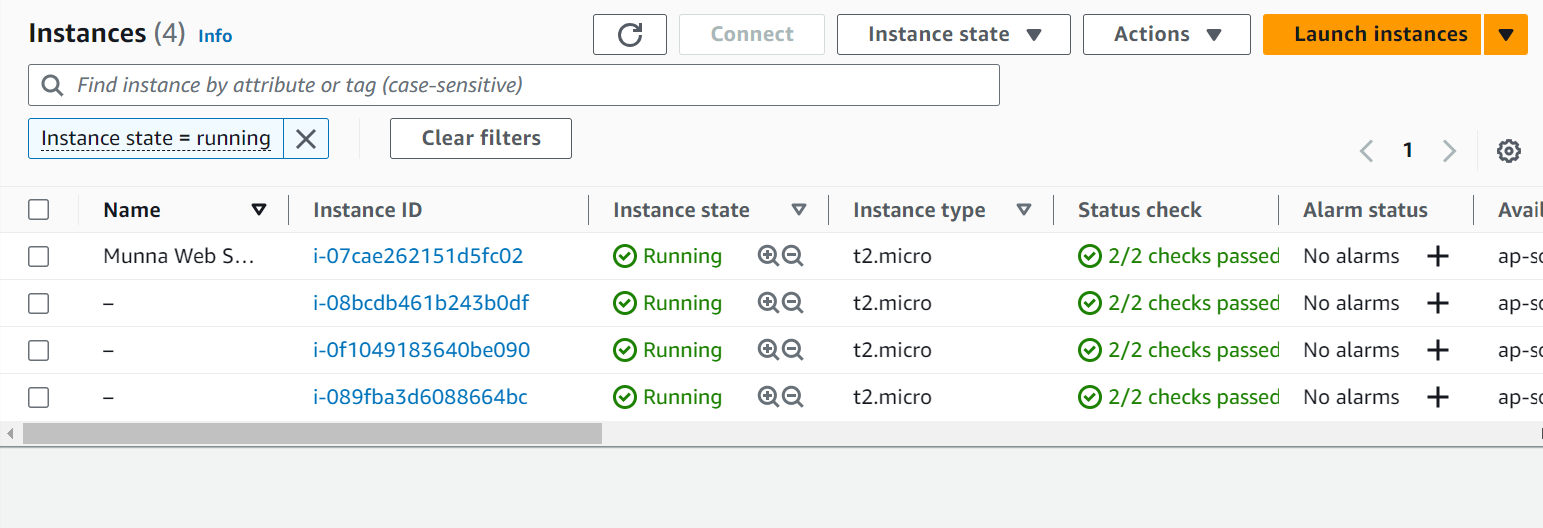
Amazon Linux AMI, Keypair, VPC and Subnet, with an EIP attached to it. Give the command to create an EC2, and show the same on AWS Console.

Give the command to describe all the EC2 instances in your AWS Account.
aws ec2 describe-instances
Give the command to describe a Security Group that is already created in your account.
aws ec2 describe-security-groups --group-ids
What is AWS CloudFormation? What are the benefits of AWS CloudFormation?
AWS CloudFormation is a service provided by Amazon Web Services (AWS) that allows you to define and provision AWS infrastructure and resources in a declarative manner using templates. CloudFormation templates are written in JSON or YAML and describe the desired AWS resources and their relationships. With CloudFormation, you can create, update, and delete AWS resources as a single, coordinated stack, making it easier to manage and automate infrastructure.
Benefits of AWS CloudFormation:
Infrastructure as Code (IaC): CloudFormation enables you to define your infrastructure as code, making it version-controlled, repeatable, and easier to manage and share.
Automation: It automates the provisioning and management of AWS resources, reducing manual configuration errors and saving time.
Version Control: Templates can be stored in source code repositories, allowing you to track changes and collaborate effectively.
Resource Management: You can create, update, or delete multiple AWS resources simultaneously as part of a stack, ensuring consistency.
Rollback and Recovery: CloudFormation provides automated rollback capabilities in case of resource provisioning failures, helping to maintain a consistent state.
Resource Tracking: You can view the relationships and dependencies between resources, making it easier to troubleshoot and optimize your infrastructure.
Cost Management: It helps control costs by allowing you to manage and visualize resource usage and costs within a stack.
Resource Drift Detection: CloudFormation can detect and highlight any differences between the desired template state and the actual deployed resources, making it easier to maintain compliance.
Extensibility: You can use CloudFormation's custom resources and macros to extend its capabilities and integrate with third-party tools and services.
Ecosystem: CloudFormation has a rich ecosystem of pre-built templates and community-contributed resources, making it easier to get started with complex architectures.
What is Infrastructure as Code and its Benefits?
Infrastructure as Code (IaC) is an approach to managing and provisioning infrastructure using code, typically in the form of templates or scripts. With IaC, infrastructure resources such as virtual machines, networks, storage, and configurations are defined, created, and managed through code rather than manual processes. These code artifacts are version-controlled and can be automated, allowing for consistent, repeatable, and scalable infrastructure management.
Benefits of Infrastructure as Code:
Automation: IaC enables the automation of infrastructure provisioning and management, reducing manual errors and saving time.
Version Control: Infrastructure code is stored in version control systems, making it easy to track changes, collaborate, and roll back to previous states.
Consistency: IaC ensures that infrastructure is consistently deployed across different environments, reducing configuration drift and ensuring reliability.
Scalability: Scaling infrastructure up or down is simplified by modifying code, allowing for rapid adjustments to meet changing demands.
Reusability: Infrastructure code can be reused for similar projects, reducing duplication of effort and promoting best practices.
Documentation: The code serves as self-documentation for the infrastructure, making it easier to understand and maintain.
Testing: Infrastructure code can be tested, promoting reliability and stability by catching issues before deployment.
Collaboration: Teams can collaborate on infrastructure code, improving communication and knowledge sharing.
Security: Security policies and configurations can be codified and consistently applied to all resources.
Cost Control: IaC can help optimize resource usage and reduce unnecessary costs through automation and resource management.
What is the AWS CloudFormation Template?
An AWS CloudFormation template is a JSON or YAML file that defines the AWS resources and their configurations needed to provision and manage infrastructure in AWS. These templates enable you to create, update, and delete AWS resources in a coordinated and automated manner.
In the template, you specify the AWS resources you want, their properties, dependencies, and any required configuration settings. CloudFormation uses this template as a blueprint to provision and manage the infrastructure as a single, coherent stack.
AWS CloudFormation templates are a core component of Infrastructure as Code (IaC) and are designed to make infrastructure provisioning repeatable, version-controlled, and easily sharable across teams.
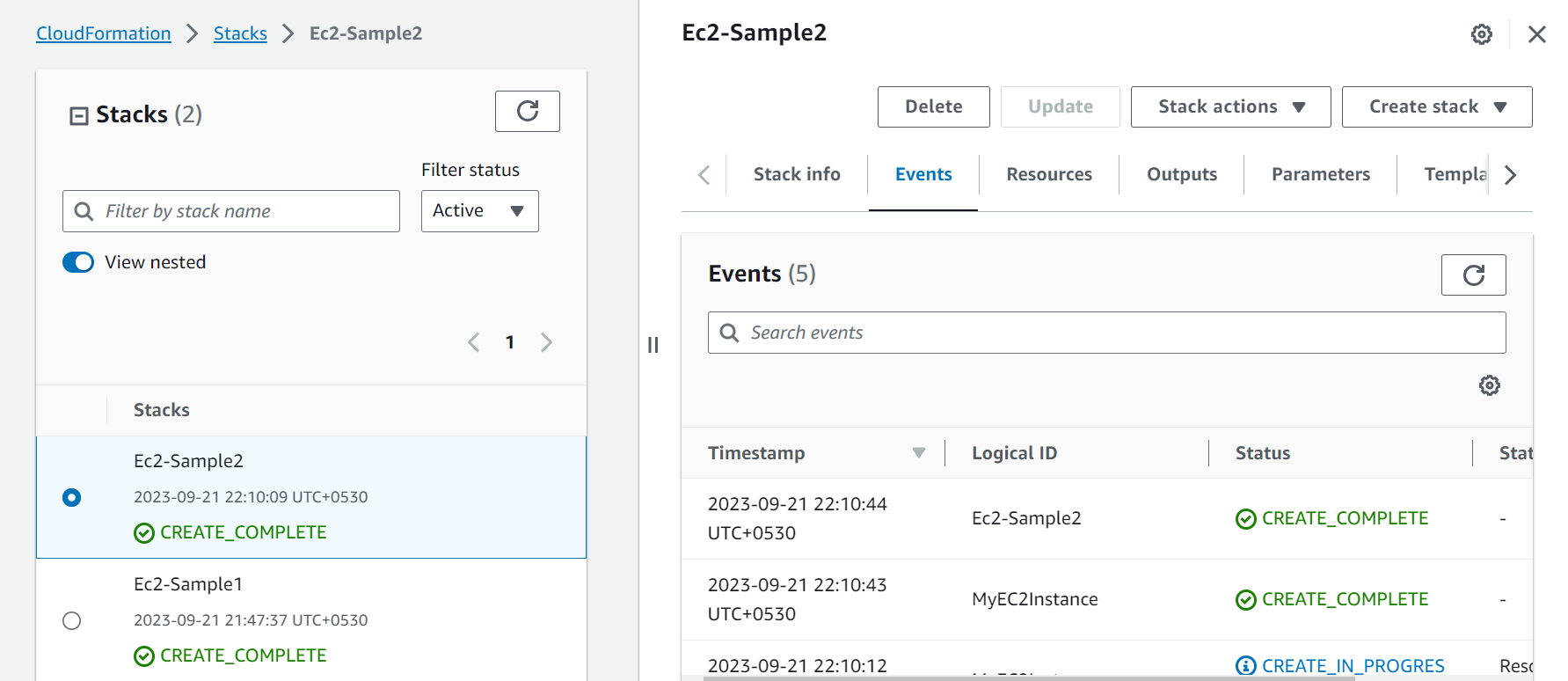
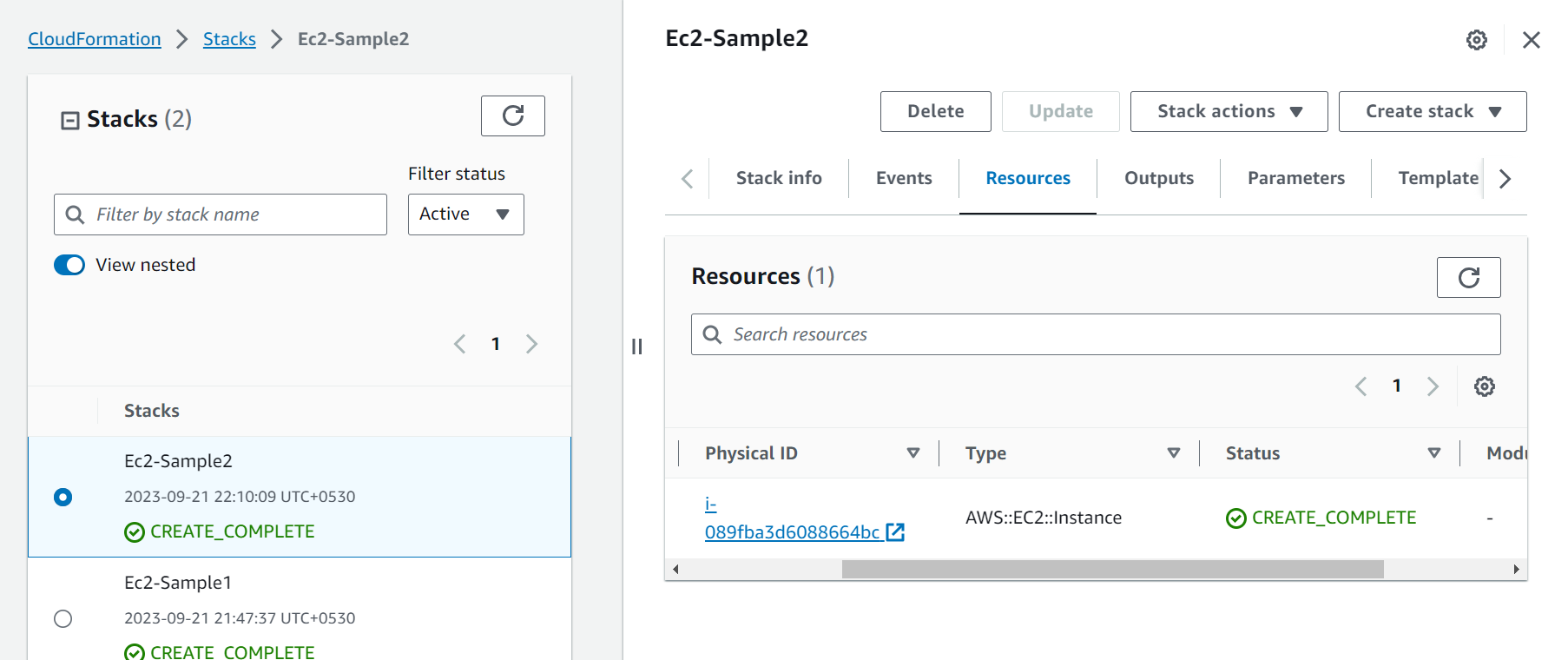
Using CloudFormation(yaml templates) create an EC2 instance in an existing VPC and Subnet. Identify details of Events and Resources created on CloudFormation.
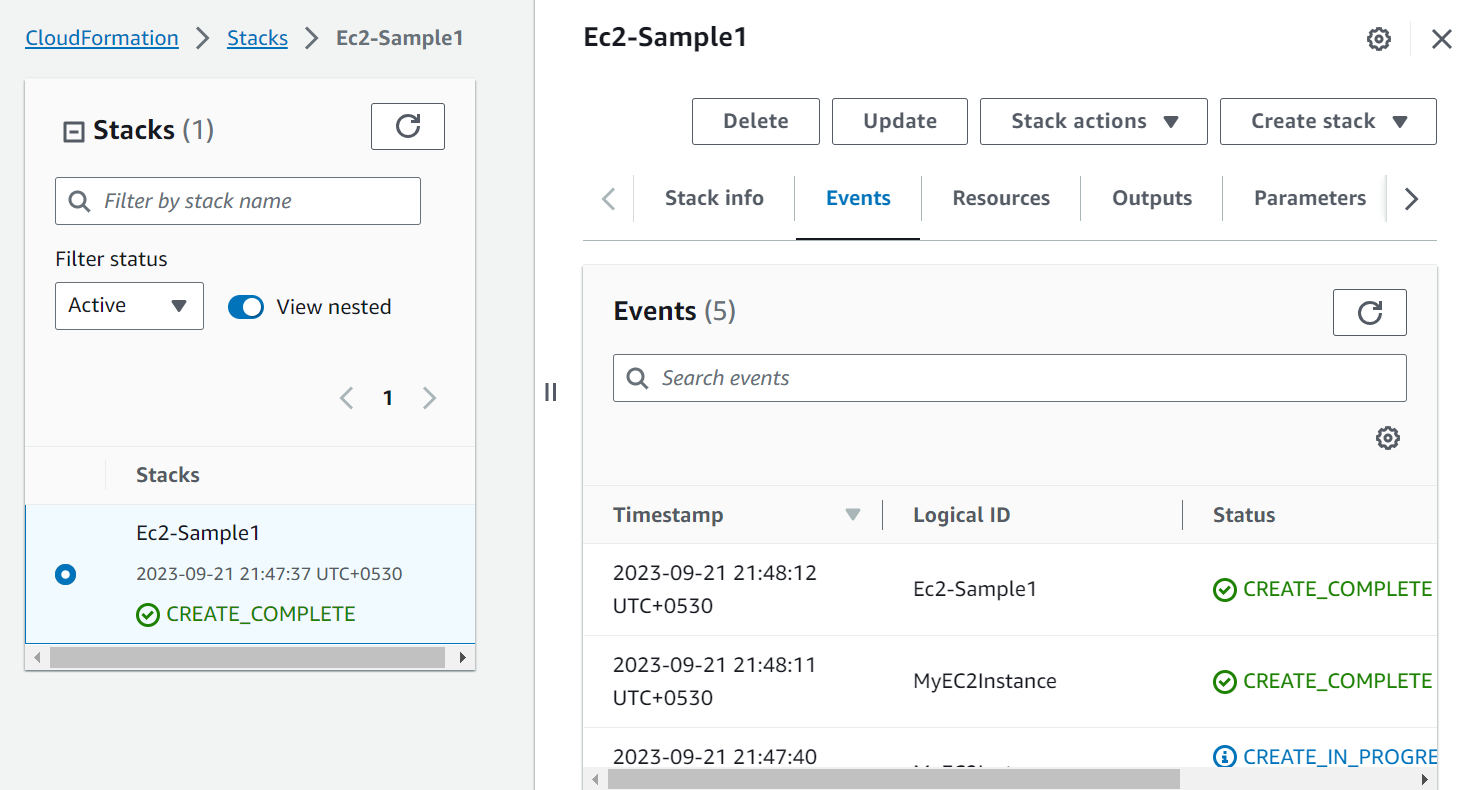
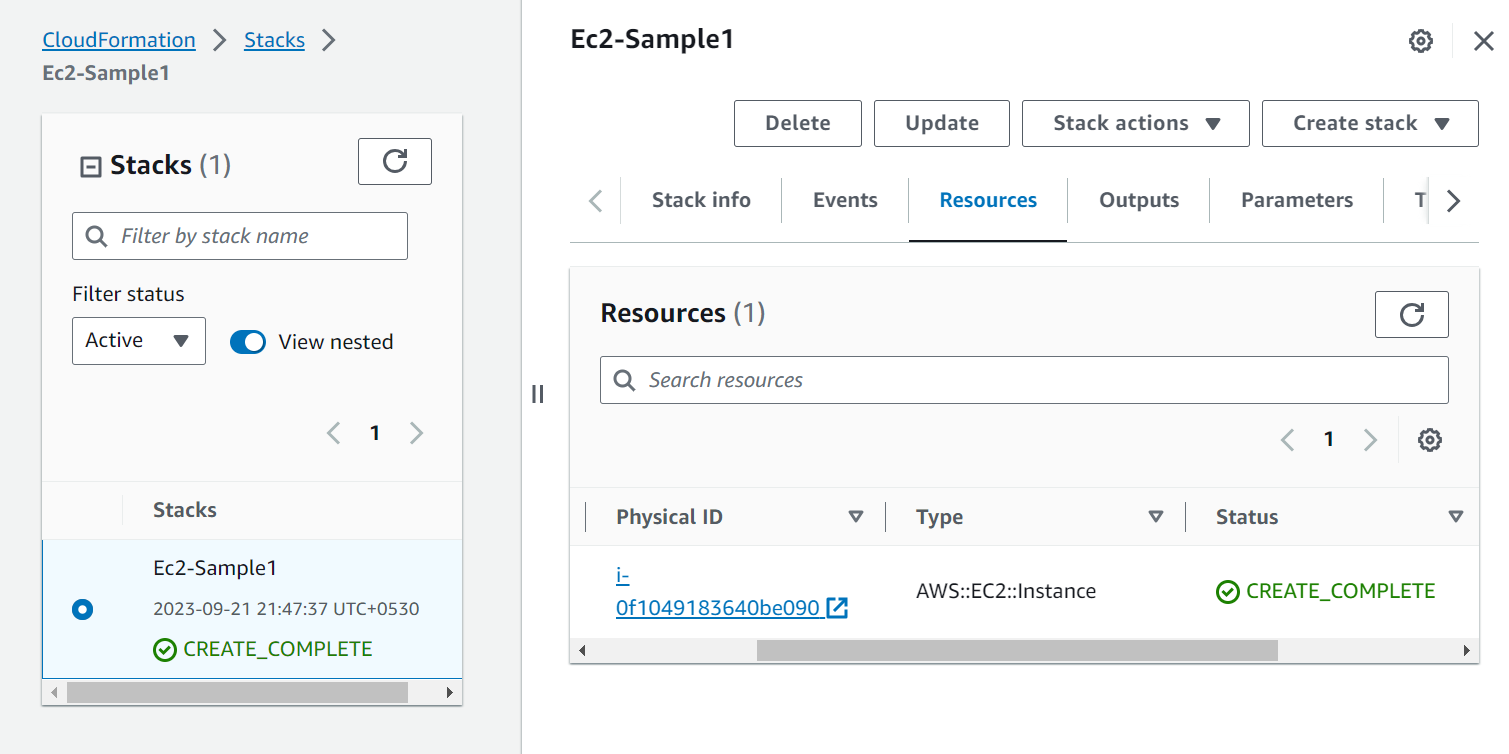
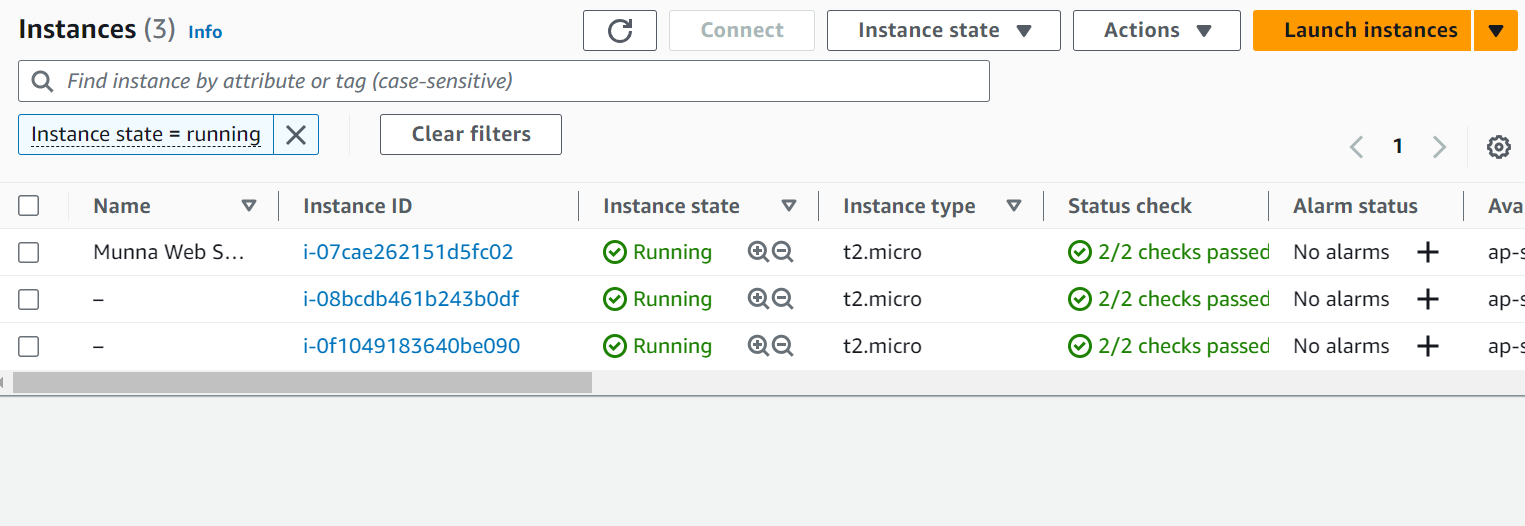
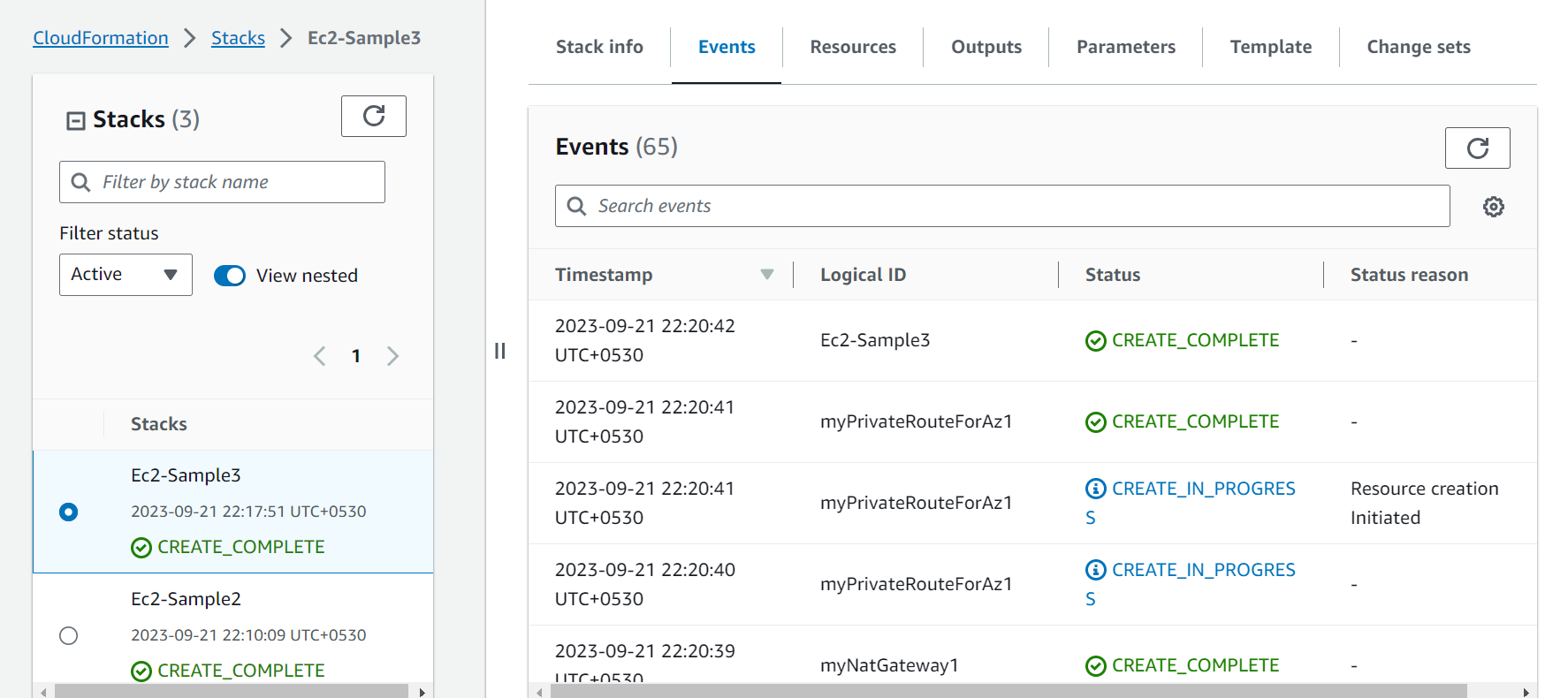
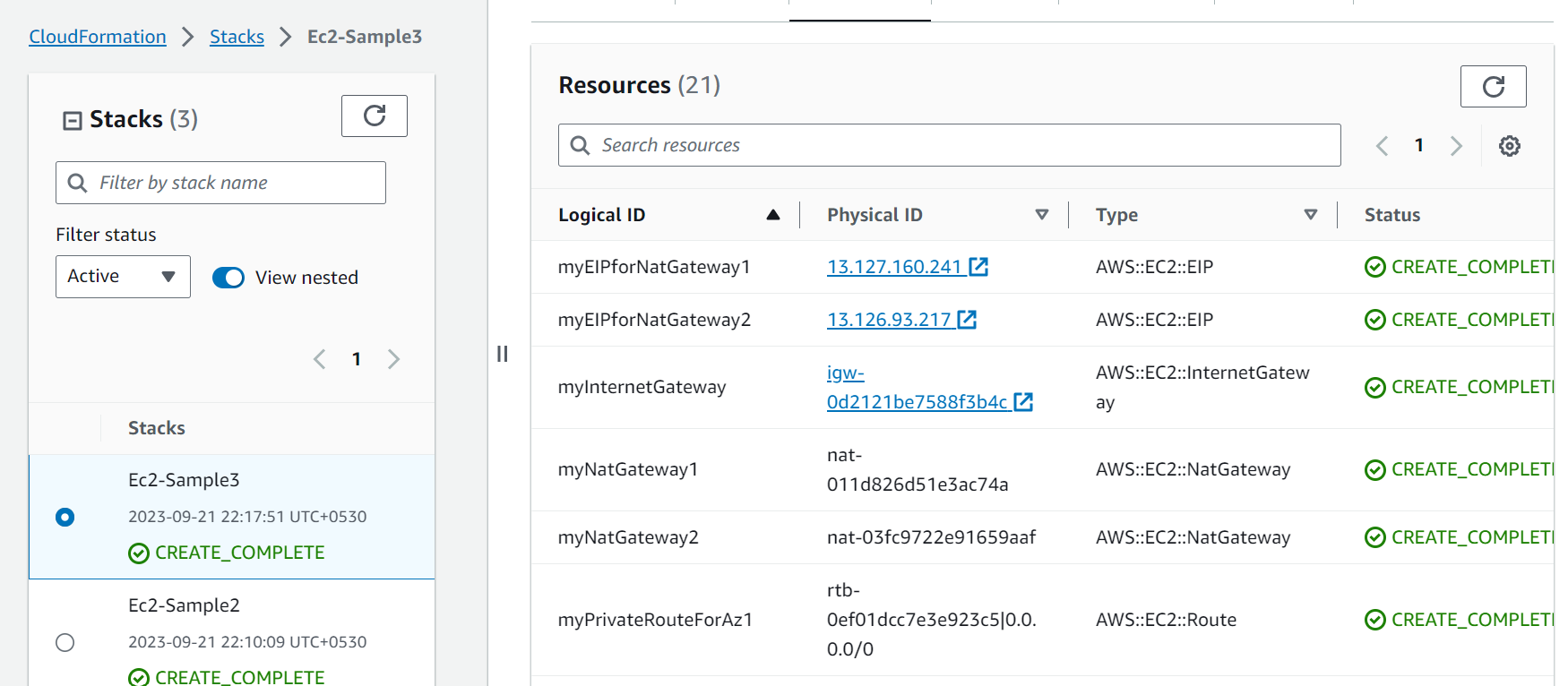
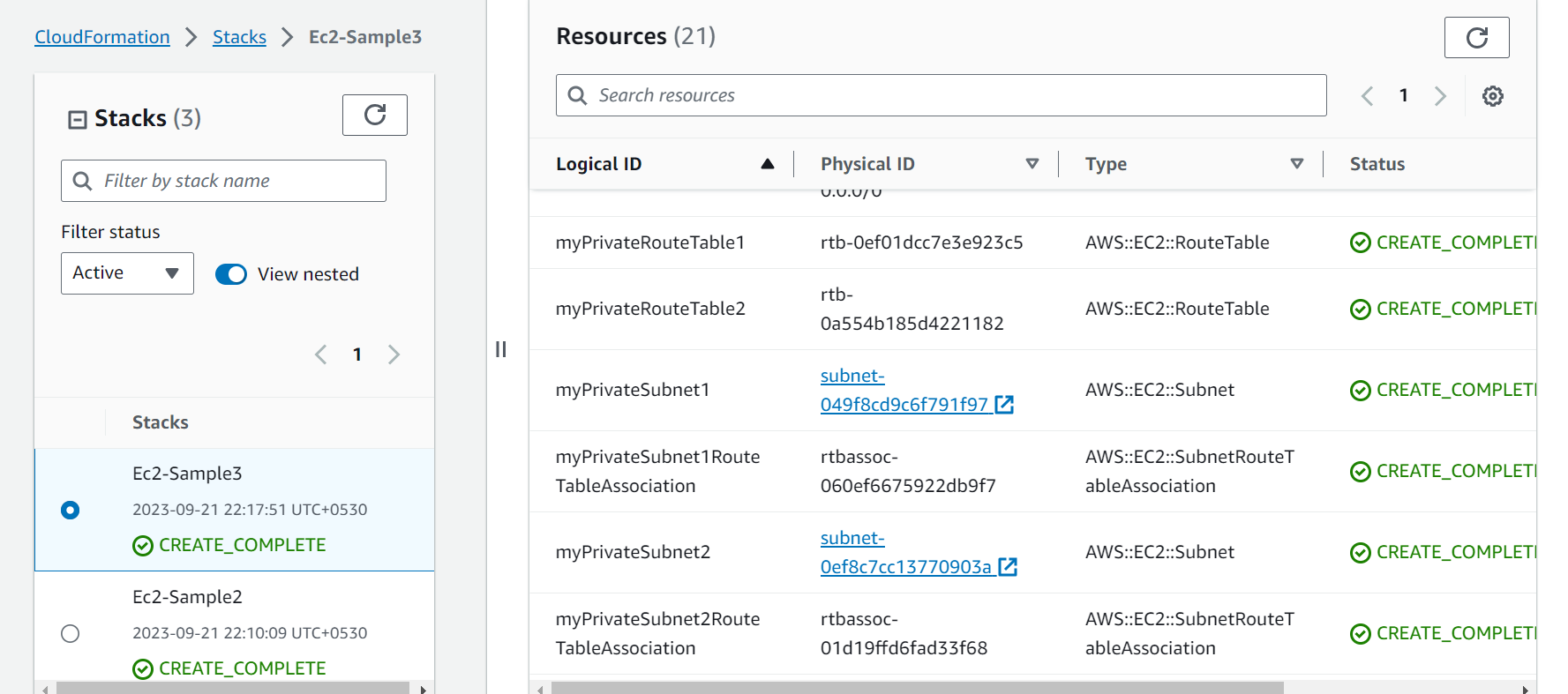
Using CloudFromation create a new VPC, Public and Private Subnet, Route tables.
Using CloudFormation (JSON templates) create an EC2 instance in an existing VPC and subnet.